Cracker's Wither Storm Mod Bedrock Port and Plus: What They Are
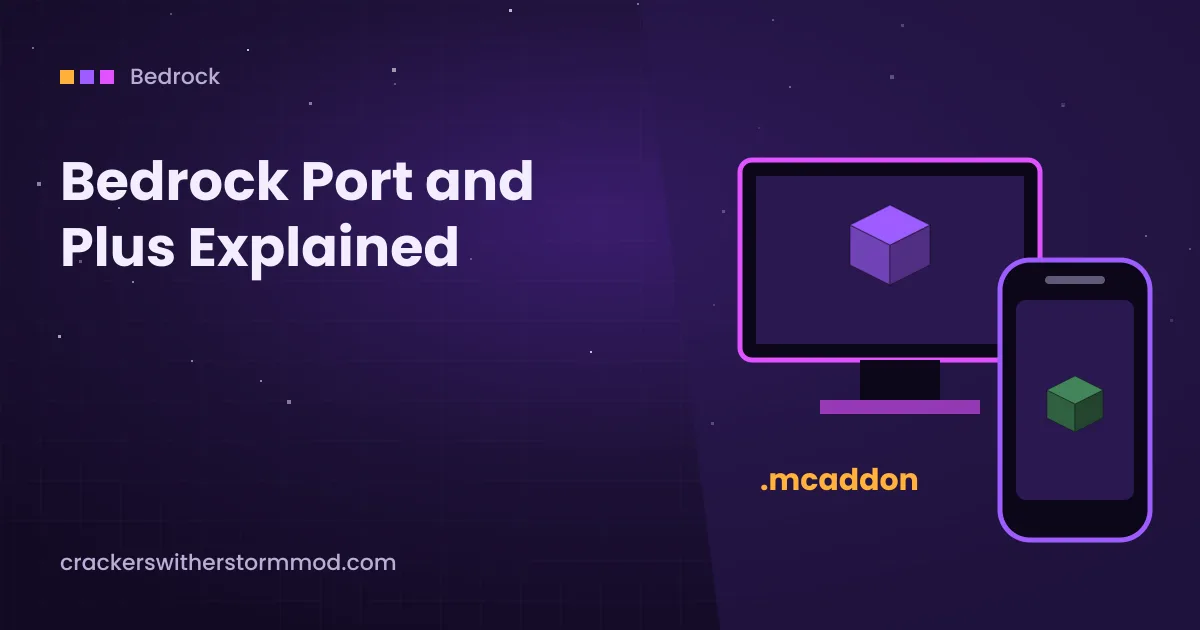
Search for Cracker's Wither Storm Mod Bedrock and you will find several downloads with names like Bedrock Port or Bedrock Port Plus. They are not the same thing as the Java mod, and knowing the difference saves you from broken imports and unsafe files.
Official status on Bedrock
Cracker's Wither Storm Mod is a Forge mod for Minecraft Java Edition. Bedrock Edition cannot load Forge mods at all, because it uses a completely different add-on system built from behaviour packs and resource packs.
That means any Bedrock version is a separate project recreated for Bedrock, usually by community creators rather than by the original developer.
What the Bedrock Port is
The Cracker's Wither Storm Bedrock Port is a community-made add-on that tries to bring the Java mod's Wither Storm experience to Bedrock. Its community is active enough that other creators publish extra add-ons built on top of the port, for example packs that add more command block tools.
- It is distributed as an
.mcaddonor a pair of.mcpackfiles. - It depends on Bedrock's scripting and entity features, so updates to Minecraft can break it until the creator updates.
- Features, balance and phase behaviour are the port creator's interpretation, not a copy of the Java code.
What Plus usually means
Names like Cracker's Wither Storm Mod Plus or Bedrock Port Plus generally refer to expanded or reworked community versions. They may add extra mobs, items or effects. Because different creators use similar names, two downloads called "Plus" can be entirely different packs.
Before downloading a Plus version, check who made it, which Minecraft Bedrock version it supports and whether it requires the base port as well. If a page cannot answer those three questions, skip it.
How to import a Bedrock add-on
- Download the add-on from its creator's own page.
- Open the
.mcaddonor.mcpackfile. Minecraft Bedrock launches and shows an import message. - Create a new world, or make a copy of an existing one.
- In world settings, open Behavior Packs and Resource Packs and activate both parts of the add-on.
- If the creator asks for experimental toggles, enable exactly the ones listed. Experiments change world data, so use a copy.
- Create the world and follow the port's own summoning instructions.
Playing on a phone or tablet? The Android guide covers file manager imports.
Differences from the Java mod
| Topic | Java mod | Bedrock ports |
|---|---|---|
| Made by | nonamecrackers2 | Community creators |
| Loader | Forge (NeoForge on some releases) | Behaviour and resource packs |
| Platforms | Windows, macOS, Linux | Windows, mobile, consoles where imports are allowed |
| Feature parity | Reference version | Varies by creator and version |
| Updates | Per Minecraft Java version | Often break after Bedrock updates |
Staying safe with ports
- Bedrock add-ons never need an .exe, APK or password.
- Avoid sites that hide the file behind several redirect pages or fake download buttons.
- Test a new port in a fresh world before adding it to a long-running realm or server.
- If you want the original experience, the Java mod is the reference. Start with the Java install guide.
Ready to set it up? Get the archive from our homepage download section, then follow the version checks above.