Crackers Wither Storm Mod on Android: Realistic Ways to Play
Crackers Wither Storm mod Android searches are common, and the honest answer is that there is no official Android build. The mod is made for Minecraft Java Edition on computers. You still have two ways to get a Wither Storm experience on a phone or tablet, and they are very different.
The reality on mobile
Minecraft on Android is Bedrock Edition, which cannot load Forge mods. So on mobile you either play a community Bedrock port of the mod, or you run Java Edition through a third-party launcher app. The first is easier. The second is closer to the original but asks a lot from your device.
Route 1: a Bedrock port
This is the practical option for most players.
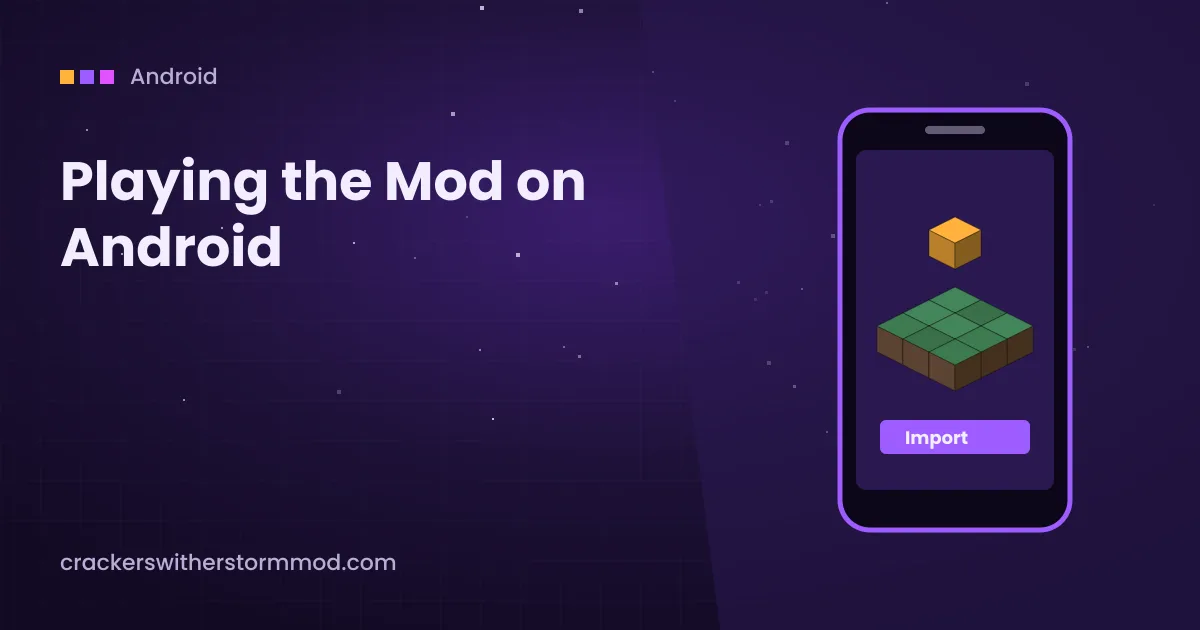
- Install Minecraft (Bedrock) from the Play Store and open it once.
- Download the Bedrock port add-on from its creator's page using your phone's browser.
- Open your Files app, find the
.mcaddonor.mcpackfile and tap it. Choose Minecraft if Android asks which app to use. - Wait for the import confirmation, then create a new world.
- Activate the behaviour and resource packs in the world settings, plus any experimental toggles the creator lists.
Our Bedrock Port and Plus guide explains how to pick a trustworthy port.
If tapping the file opens a text viewer or nothing happens, rename the file so it ends in .mcaddon exactly, without an extra .zip at the end.
Route 2: a Java launcher
Some Android launcher apps can run Minecraft Java Edition, and with extra setup they can load Forge. This route gives you the actual Java mod, but it is experimental.
- You still need a legitimate Minecraft Java Edition account.
- Forge on a phone is slow to start and uses a lot of memory. Devices with 6 GB of RAM or less often struggle.
- Later Wither Storm phases are heavy even on PCs, so expect low frame rates.
- Launcher apps change often. Only install them from their official sources, never from random APK sites.
If you try it, follow the same version-matching rules as on desktop: Minecraft version, Forge version and mod build must all line up. The Java install guide lists those checks.
Performance tips for phones
- Lower render distance to 6 to 8 chunks before summoning the storm.
- Turn off fancy graphics, smooth lighting and particles if the port or launcher allows it.
- Close background apps and keep the phone plugged in. Heat throttling cuts performance fast.
- Fight in a world you do not mind losing. Block consumption on mobile can also cause save lag.
Common Android problems
| Problem | Likely cause | Fix |
|---|---|---|
| Import failed | Corrupted or renamed file | Download again and keep the original extension |
| Packs not in world settings | Import did not finish | Check Settings, Storage in Minecraft and re-import |
| Storm does not spawn | Experimental toggles off | Enable the toggles the creator lists on a new world |
| Game closes during fight | Not enough memory | Lower render distance and close other apps |
For more fixes that also apply on desktop, see the crash and lag guide.
Ready to set it up? Get the archive from our homepage download section, then follow the version checks above.